
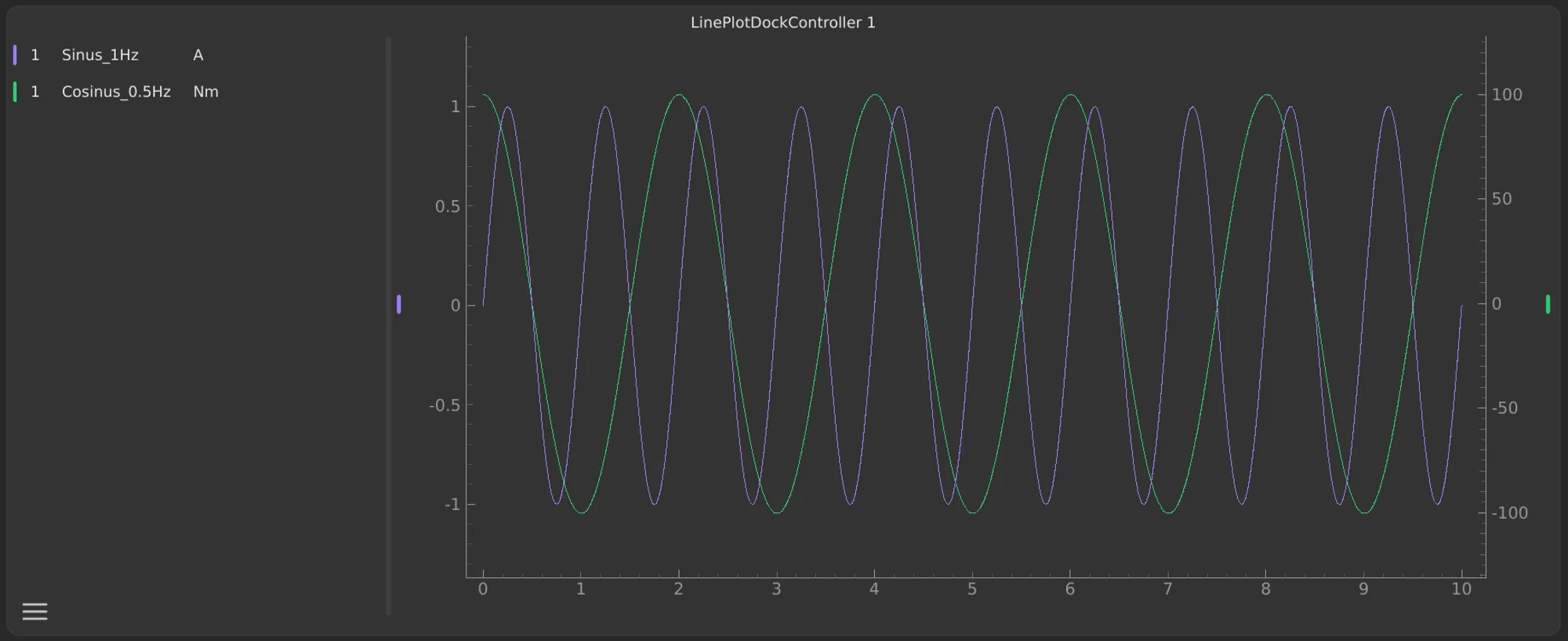
In most cases, signals are analyzed in multiple stacked plots with a synchronized X-axis. Signals of similar magnitude are often displayed in the same plot. Sometimes, however, it is clearer to display signals with different magnitudes together in a single plot. In many data visualization tools it is therefore common to use multiple Y-axes. But displaying too many signals in one plot can quickly become confusing.
For ScryLab I have therefore decided to allow a maximum of two Y-axes – one on the left and one on the right. This strikes a good balance between clarity and flexibility.
Avoiding overload
Displaying too many Y-axes in a plot can lead to visual overload. Constantly switching between signals and axis scales makes it harder to interpret the data – both for yourself and for others you share these plots with. I have therefore decided to keep the left Y-axis as the main axis, while the right Y-axis only appears when needed. This keeps the plot clearly structured and easy to read. If you want to compare even more signals in a shared overview, you can additionally use multiple rows in a plot without overcrowding the display.
Visual mapping
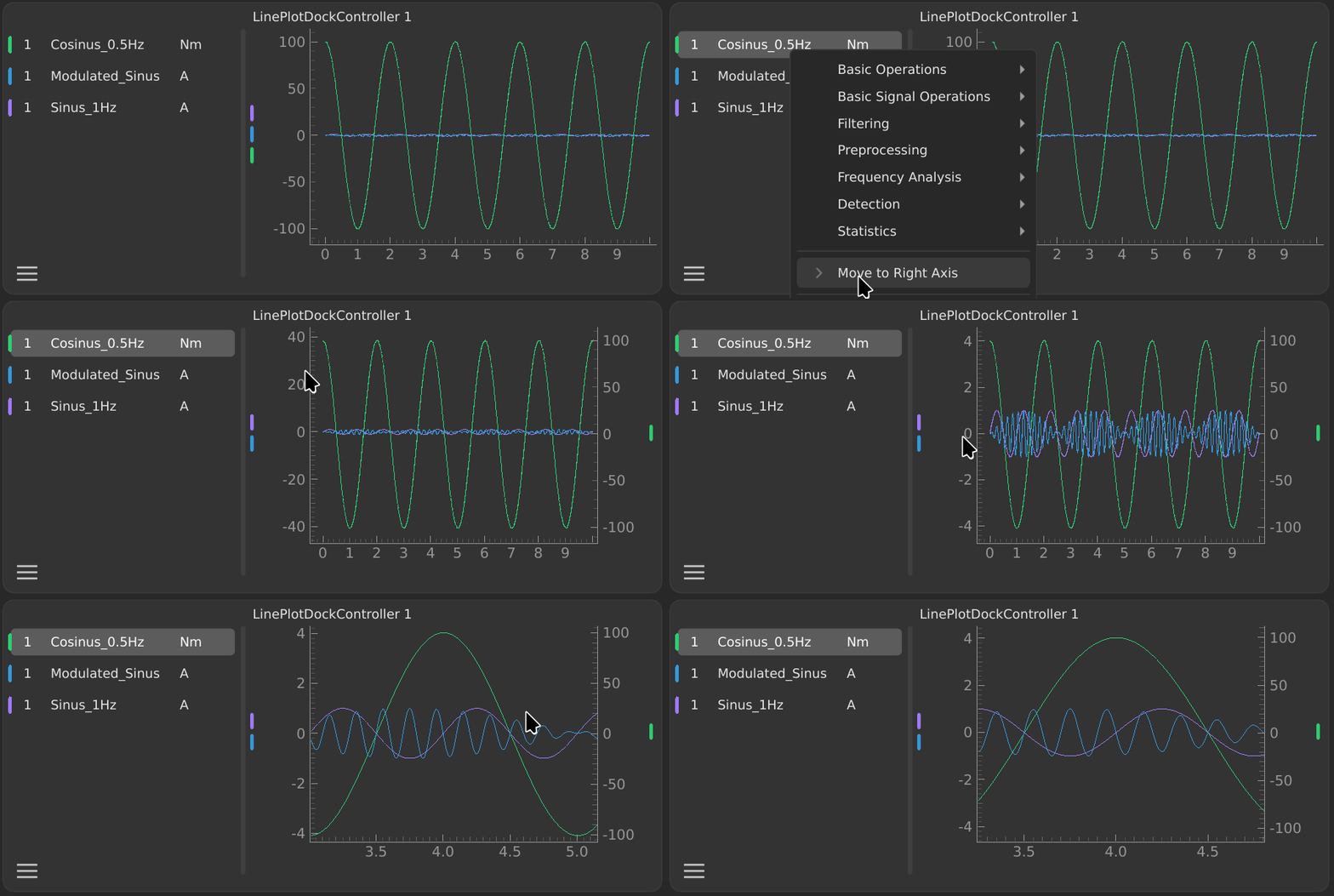
Each signal is plotted on the left axis by default. If you move a signal to the right axis, this mapping is made visible by a colored marker on the right side of the signal. This makes it immediately clear at a glance which signals belong to which axis.
TIP
Even with a second Y-axis, navigation remains consistent: zooming and panning in the plot area always affect both axes equally, so signals are not shifted or distorted relative to each other. Independent adjustment of the axes can be done via the controls on the displayed axes.