
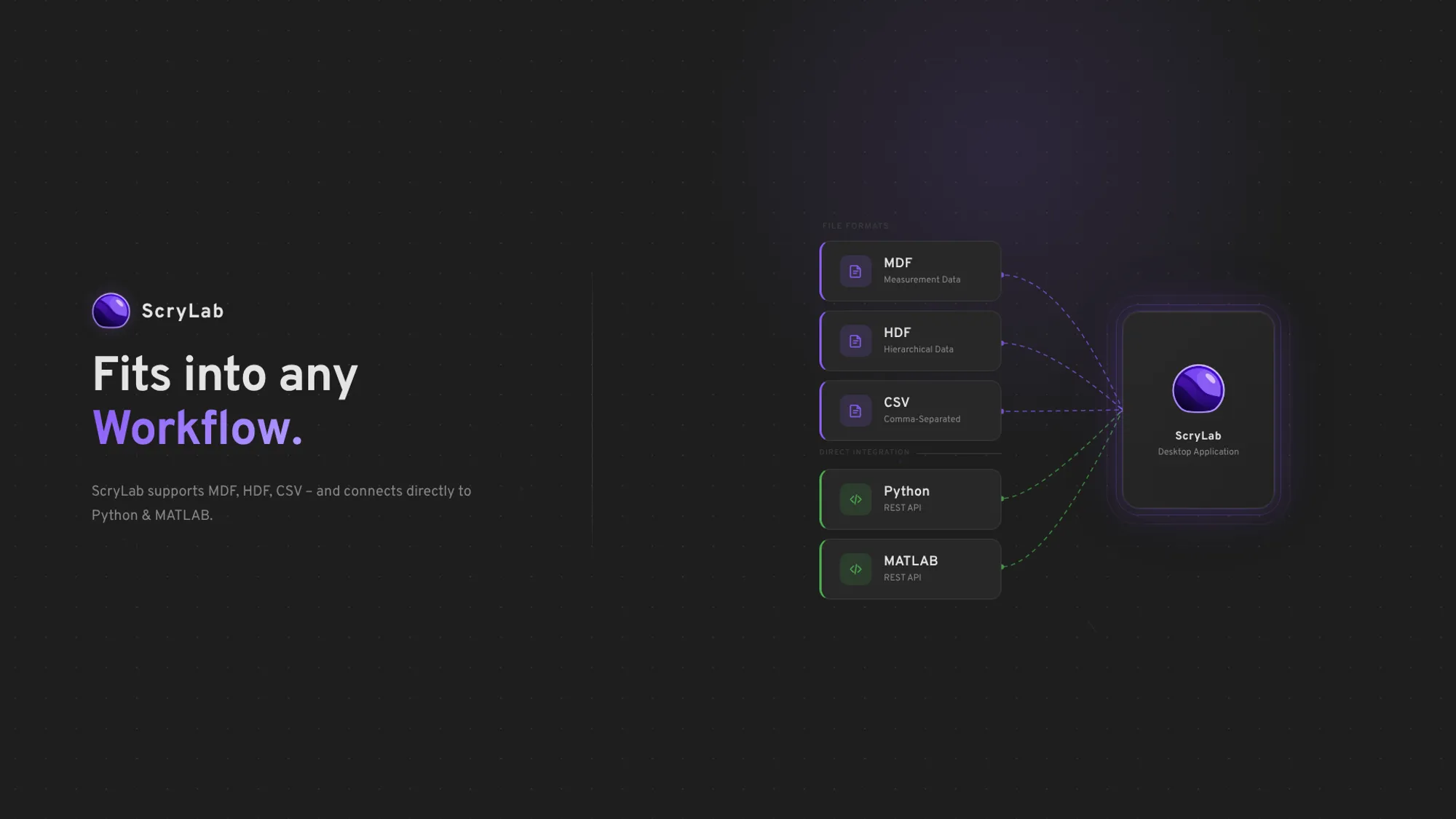
One of the first things I had to settle when developing ScryLab was the question of the internal file format. The decision sounds technical and dry at first, but it has a massive impact on how the application feels in everyday use – when loading large files, when adding signals, when navigating through long measurements.
Here I explain how I arrived at this decision.
The MDF problem
MDF – more precisely MF4 – is the standard in automotive measurement technology. INCA, CANape, almost all data loggers write it. It therefore seems natural to use it internally as well.
But you run into a fundamental problem pretty quickly.
MF4 is a sequential format. It is designed to be written continuously during a measurement – channel by channel, block by block, from front to back. This works great for data loggers. But for an analysis tool that edits files interactively, it is a serious problem.
For example, if you want to add signals to an existing MF4 file after the fact, you have to rewrite the entire file. And to rewrite it, you first have to load it completely. This might sound like an implementation detail, but it destroys an approach that was very important to me for ScryLab: lazy loading of the signal list.
Lazy loading here means that when a file is opened, only the metadata is read initially – channel names, units, structure. The actual measurement values remain untouched until a signal actually needs to be displayed. If you open a file with 200 channels but only look at three of them, only those three are loaded.
With MDF as the write format, this is not feasible. So I reduced MDF to read-only support – which is perfectly sufficient for compatibility with existing measurement chains – and looked for a better alternative.
Why HDF5
HDF5 is not a specialized measurement format but a general scientific and technical file format. It is used in climate research, particle physics, and machine learning, among other fields. This sounds far removed from vehicle testing and classic engineering work, but it has one decisive advantage: the format is optimized for exactly the operations that are relevant to ScryLab.
HDF5 files consist internally of datasets stored in chunks. This allows random access: I can read a single channel without touching the rest of the file – the foundation for ScryLab loading signals only on demand. Datasets can also be extended after the fact without rewriting the entire file, which makes HDF5 a true write format. The hierarchical structure – data organized like a directory tree – fits well with measurements that have many channels and different sampling rates. The format also supports chunk-level compression; I currently forgo this in favor of maximum I/O speed, but the option remains open.
What this means for the application
When you open a file in ScryLab, nothing is preloaded. The signal list appears immediately because only the metadata is read. Only when a signal is dragged into the plot does ScryLab load the actual values for that channel.
The key difference to MDF lies not in reading but in writing: new signals can be appended directly in HDF5. With MDF, every change would mean rewriting the complete file – with everything in it.
Most of the data I see in practice is in MDF format – that remains the reality in the automotive sector. That is why ScryLab can read MF4 and MF3. MDF files remain as read-only sources; anyone who wants to add or edit signals creates a new HDF5 file.
CSV import is also planned, following the same principle.
TIP
Another case that is often missing from format discussions: what if the data is not in a file at all? Anyone working with MATLAB, Python, or another simulation tool often already has the results in memory. Taking the detour through an intermediate file costs time and creates unnecessary overhead. For this case, ScryLab supports programmatic data import – data can be passed directly from the runtime environment without having to persist it first.