
Introduction: Choosing the Right Measurement Data Format
In engineering and testing, the way you store data matters almost as much as the measurements themselves. The choice of measurement data format can have an impact on performance, compatibility, and (long-term) accessibility.
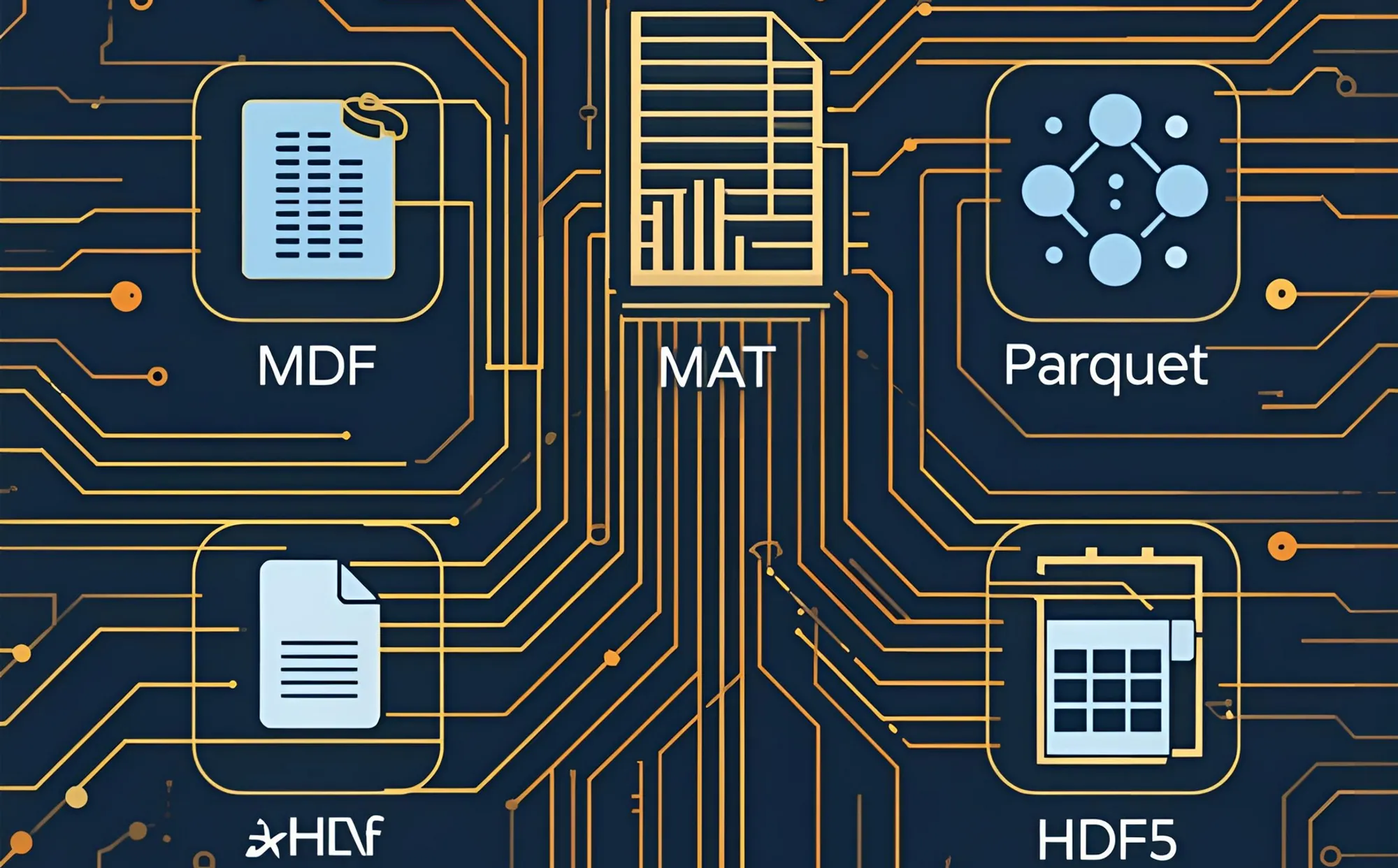
In this article, we’ll compare the most widely used formats in industry and research:
- MDF (Measurement Data Format:
.dat,.mf3,.mf4) - Excel (
.xlsx) - CSV (Comma-Separated Values:
.csv) - HDF5 (
.h5) - MATLAB (
.mat) - Parquet (
.parquet)
Strengths and Limitations of each Format
MDF (Measurement Data Format)
MDF is the industry standard in automotive and industrial testing.
- Strengths:
- Standardized by ASAM
- Rich metadata support
- Limitations:
- Specialized, requires dedicated tools for recording as well as for visualizing
- Designed for time-series: data in the frequency-domain cannot be used
- Best for:
- Automotive
- ECU development
- Sensor logging
- Standardized test benches
TIP
.dat, .mf3, .mf4) is supported out-of-the-box. In Addition to industry-standard support, we have added a workaround which enables us to also save frequency-domain data in MDF-Signals.Excel (.xlsx)
Excel files are one of the most common ways engineers share and review data.
- Strengths:
- Universally known
- Easy for reporting,
- Broad compatibility
- Limitations:
- Not scalable for large datasets
- Not optimized for signals
- risk of manual errors
- Best for:
- Small datasets
- Quick reports
- Cross-department communication
TIP
.xlsx) files are supported out-of-the-box if they are structured according to the guidelines (Link zu Docs).CSV (.csv)
Although often confused with Excel, CSV is different: it is a plain-text format where values are separated by commas (or semicolons).
- Strengths:
- Simple
- Lightweight
- Readable with any text editor or software
- Limitations:
- No metadata
- Poor efficiency for large datasets
- No structure beyond rows/columns is common
- Best for:
- Data exchange
- Quick exports
- Compatibility between tools
HDF5 (.h5)
A scientific data powerhouse, HDF5 is extremely scalable and flexible.
- Strengths:
- Handles gigabytes or terabytes
- Hierarchical structure
- Widely supported in Python and MATLAB
- Limitations:
- Steeper learning curve
- No universal schema
- Best for:
- Scientific experiments
- Large-scale measurement workflows
- Long-term storage
MATLAB (.mat)
The MATLAB format is common in research and prototyping.
- Strengths:
- Native integration with MATLAB
- Ideal for matrices and signal data
- Limitations:
- Proprietary
- Slower with very large files
- Limited outside MATLAB ecosystem
- Best for:
- Academia
- Prototyping
- Signal processing research
Parquet (.parquet)
A modern, columnar storage format, widely used in Big Data and cloud environments.
- Strengths:
- Extremely efficient
- Supports compression
- Great for analytics
- Limitations:
- Less familiar in traditional engineering domains
- Requires modern data stacks
- Best for:
- Data science workflows
- Distributed analysis (e.g. Spark, Dask)
- Cloud storage
Conclusion: Flexibility is Key
As you can see, there is no single best measurement data format – the right choice depends on your circumstances and requirements:
- MDF for automotive and industrial testing
- Excel for small datasets/statistics
- CSV for lightweight exchange or simple experimentation
- HDF5 for scientific and big data
- MATLAB for research and prototyping
- Parquet for scalable cloud and analytics pipelines
INFO
That’s why ScryLab was built to be flexible:
- Native support for MDF (
.dat,.mf3,.mf4) and Excel (.xlsx) - Plugin system that lets you easily extend ScryLab with your own importers – for Excel, CSV, HDF5, MATLAB, Parquet, or any custom format you need.
With this approach, you are not locked into a single file type - instead, you can adapt your workflows to the data you actually use.